Homelabbing Part 1: Basics

Curious about self-hosting? Here's a virtual tour of my "homelab" and why/how each component might be useful for you.
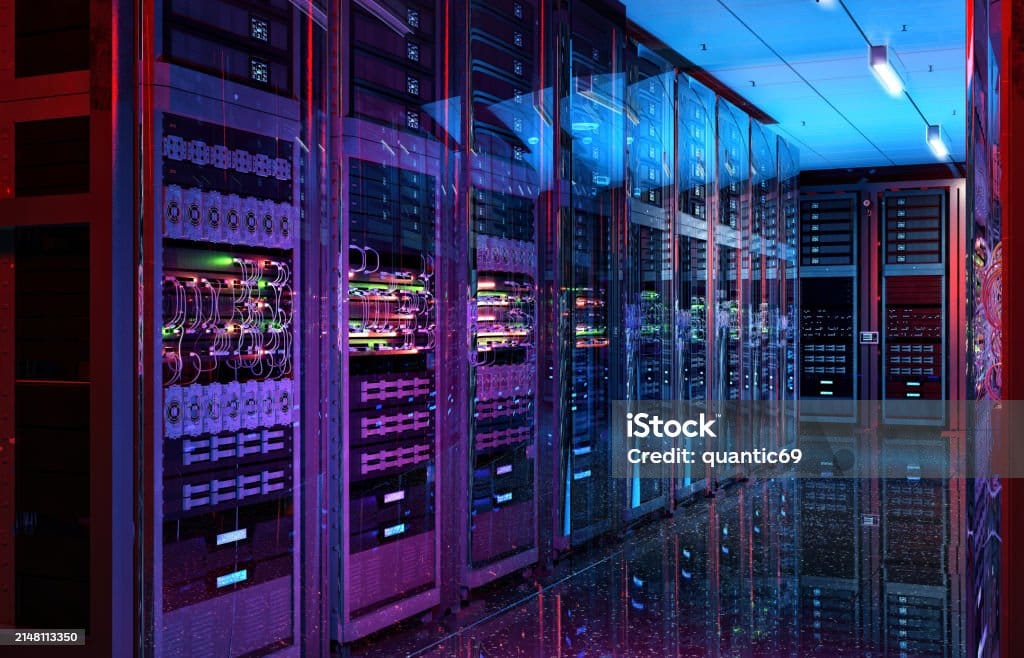
Let's start off with what might be a big letdown for some: not all of my "homelab" services run on my own hardware, at my house. Over the years I've tried hosting all of my services at home and tried a variety of cloud hosting providers, reaching the ultimate conclusion that the best place to host each service depends on factors like the degree of reliability required, the amount of bandwidth used, and the sensitivity of the data involved.
In the snowy northeast, power outages are common, and it's nice to not have the logins for all of my apps break when power is out at my house. A few times, having my services distributed between 2 or 3 hosts has made recovery from a disaster in one location much, much easier.
If you can afford to spend $25-50 per month, many providers will offer a large enough cloud VM to run multiple services that can take a little bit of the stress out of maintaining your homelab, if you're still willing to call it that.
Hardware
A new enterprise server can cost tens of thousands of dollars, but the barrier to entry is much lower than this. Homelabbing applications are typically low-power and can run on hardware that's several generations old, providing a perfect opportunity to breathe new life into refurbished enterprise servers that can be found for as little as $300-500 online.
Xeon Silver and Gold CPUs offer better performance than E-series CPUs despite sometimes having lower clock speeds, but any enterprise CPU will be more than capable of running productivity and network management apps that make up the backbone of your homelab. For applications like game servers that sometimes require more single threaded performance than affordable Xeon CPUs offer, desktop APUs offer a good compromise between perfomance and affordability in custom ATX or mATX builds.
Backup Power
Before we move on from hardware, there's a hard pill to swallow here. Providing battery backups for your homelab gets expensive, and the problems don't stop there. A 1500VA UPS, which will keep a small homelab of 2-5 servers with minimal load running for 15-60 minutes, is hundreds of dollars. Even if you've got the battery backup, you need to make sure that your power supplies have a sufficient holdover time to survive the switch from line power to backup.
While enterprise servers will typically have power supplies that can survive even a slow switching UPS, this is something you'll need to keep in mind when building or buying desktop hardware for use as a server.
If you live in an area prone to power outages, like I do, you'll find that frequently having the whole homelab go offline creates snowballing instability over time. If you're not prepared to invest several thousand dollars in backup power systems, consider what your plan is to recover from incidents where one of the services in your homelab just won't come back after an outage. This problem can be mitigated by taking frequent backups, testing restores from backup regularly, and monitoring your backup systems on a weekly basis so you can catch issues that crop up over time before your newest backup becomes months old.
Next: Operating Systems
Next week, we'll go over operating systems that you'll want to get familiar with for homelabbing.